rm -rf /boot/ (PART 1)
rm -rf /boot/ (PART 1)
Compartmentalization within a UNIX file system is a safety valve. One command gone awry, and the entire BIOS is lobotomized. I wanted the first node on the peer-to-peer network to run on FreeBSD because I read a paper written by Bill Joy, entitled Why the Future Doesn’t Need Us (2000). In it, he describes two possibilities facing us. If the capacity for self-replication by thinking machines exceeds our human ability to grasp its abstracted language, programmers and craftsmen will become subject to the whims of their creation; however, the more realistic possibility that he points out, is that our race will willingly submit to its whims as a symbiotic relationship develops between man and machines. Information is the contemporary isotope under the specter of knowledge-enabled mass destruction (KMD).
Joy worked on the UNIX BSD team at Berkeley in the 70’s – these barbarians had an open-faucet and incrementally modified proprietary AT&T source code in order to write the kernel/OS.. IBM did this as well when they entered the personal computing market in the 1980s.
Installation of an operating system is recollection. Within a drive, this begins with partitioning a storage device with the GNU Parted Utility. Before we begin, external media and the existing partitions should be identified through the print-type command. Once the drive is identified, usually labeled as /dev/sda* a partition table must be enumerated.
$ sudo parted /dev/sda print-type
$ parted /dev/sda mklabellabel-type1
This command a disklabel or partition table to the external media and erases existing metadata on the drive. Next, structural integrity within the partition must be delineated within the root directory.
$ parted /dev/sda –align opt \
mkpartfs-type1 100%
This command simultaneously designates a filesystem – ext4 or xfs – and reserves drive space for it. Multiple filesystems can be specified within the external media as well. 1 and 100 designate start and end points.
$ mkfs.ext4 /dev/sda
Finally, compartmentalization is assured by affixing a the filesystem of our chosing upon owned space within the drive. First, mkpart reserves drive space for the file system and only then can the creation of the partition of our choice be affixed to the drive through the mkfs command, outside of the GNU parted utility.
1GNU Parted man page delineates the label-types: of “aix”, “amiga”, “bsd”, “dvh”, “gpt”, “loop”, “mac”, “msdos”, “pc98”, or “sun”.
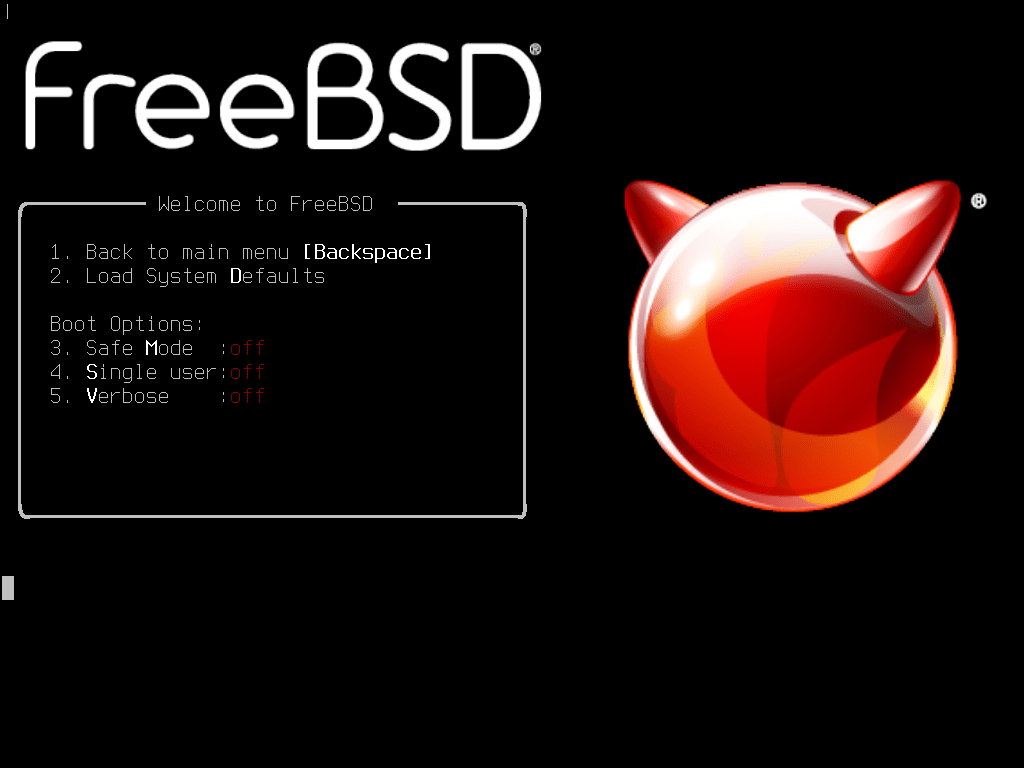
Consulting the FreeBSD manual… (PART 2)
1. choosing an img file: i386 or amd64
2. dd if=FreeBSD-13.1-RELEASE-amd64-memstick.img of=/dev/da0 bs=1M conv=sync
 Recollection Services Incorporated
Leave a comment